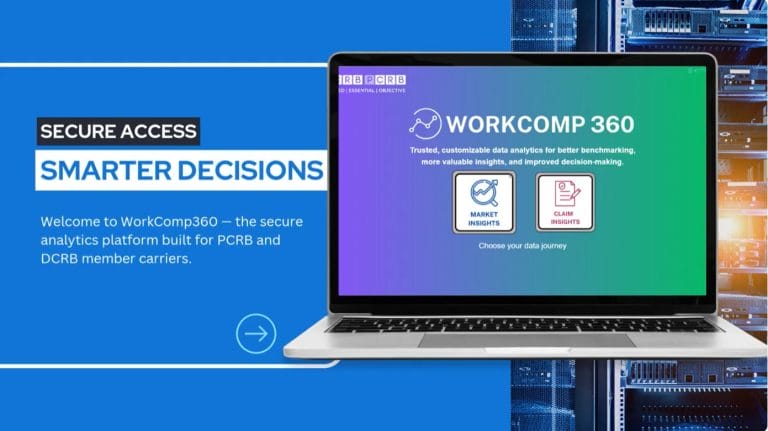
How to Access WorkComp360
Step-by-step guidance for accessing WorkComp360 dashboards through the PCRB/DCRB Application Manager.




Step-by-step guidance for accessing WorkComp360 dashboards through the PCRB/DCRB Application Manager.
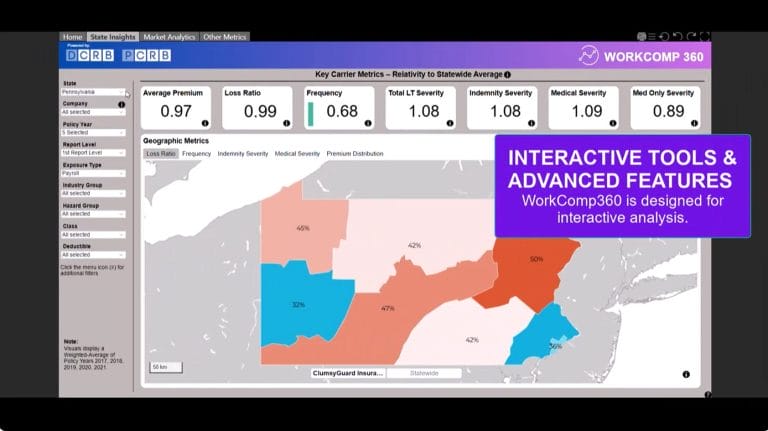
Overview of WorkComp360, showing how member carriers use interactive dashboards to analyze workers’ compensation data and insights.

Guidance on using the calculator, including data entry, capped results, and transition-period calculations.

PCRB’s Classification System groups businesses based on the nature of their operations to ensure fair, accurate pricing.

Access approved loss costs, rating plans, and rules that ensure consistent, compliant workers’ compensation pricing.

Submit Loss Cost Multiplier filings in accordance with Pennsylvania requirements using approved forms for accurate pricing.

Overview of Financial Data Manager updates that improve workflows, reduce errors, and streamline Financial Call reporting.

Guidance on preparing and submitting Medical Data Call files, including timelines, reporting options, and best practices for compliant reporting.

Guidance on preparing and submitting Medical Data Call files, including timelines, reporting options, and best practices for compliant reporting.

Explains how to correctly report cancellations and reinstatements in PDM and why transaction order matters for accurate coverage records.

Overview of common PDM reporting issues and how to resolve them to ensure accurate Proof of Coverage and compliant reporting.

Explains the PDM Duplicate Coverage error, when action is needed, and how to resolve it to ensure accurate Proof of Coverage.

Explains the PDM Endorsement Not On File error, what triggers it, and how to resolve it for accurate policy reporting.

Explains the PDM Initiating Transaction error and how to establish policies correctly for accurate, compliant reporting.
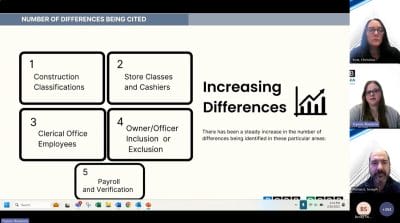
Explains common classification issues and best practices to improve reporting accuracy and fair premium outcomes.
Explains UDM Unauthorized Class errors, why they occur, and how to resolve them to ensure timely, accurate unit reporting.

Explains Late and Rejected USR errors in UDM and how to identify, correct, and prevent unit reporting delays.

Explains the UDM No Matching Policy error and how to resolve data mismatches to ensure accurate, timely unit reporting.

Demonstrates how CGAs manage and update carrier contacts to ensure accurate records and timely DCRB communications.
A look at when the Ownership (ERM-14) form is required, what’s changed, and how to complete and submit it online.

Explains experience rating in Delaware and how past loss history influences workers’ compensation premium calculations.
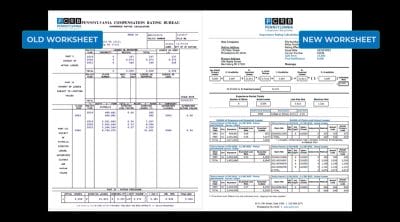
Explains updates to the worksheet and how the redesigned layout improves clarity and usability.

Guidance on using the calculator, including data entry, capped results, and transition-period calculations.